
Cross Stitch Progress Tracker Apps Compared (2026): Pattern Keeper, Markup R-XP, Cross Stitch Saga, Stitchly and Knytstudio
Which app to track cross stitch progress on iPhone, iPad, Android or the web: platforms, backstitch, parking, sync and pricing models, compared honestly.
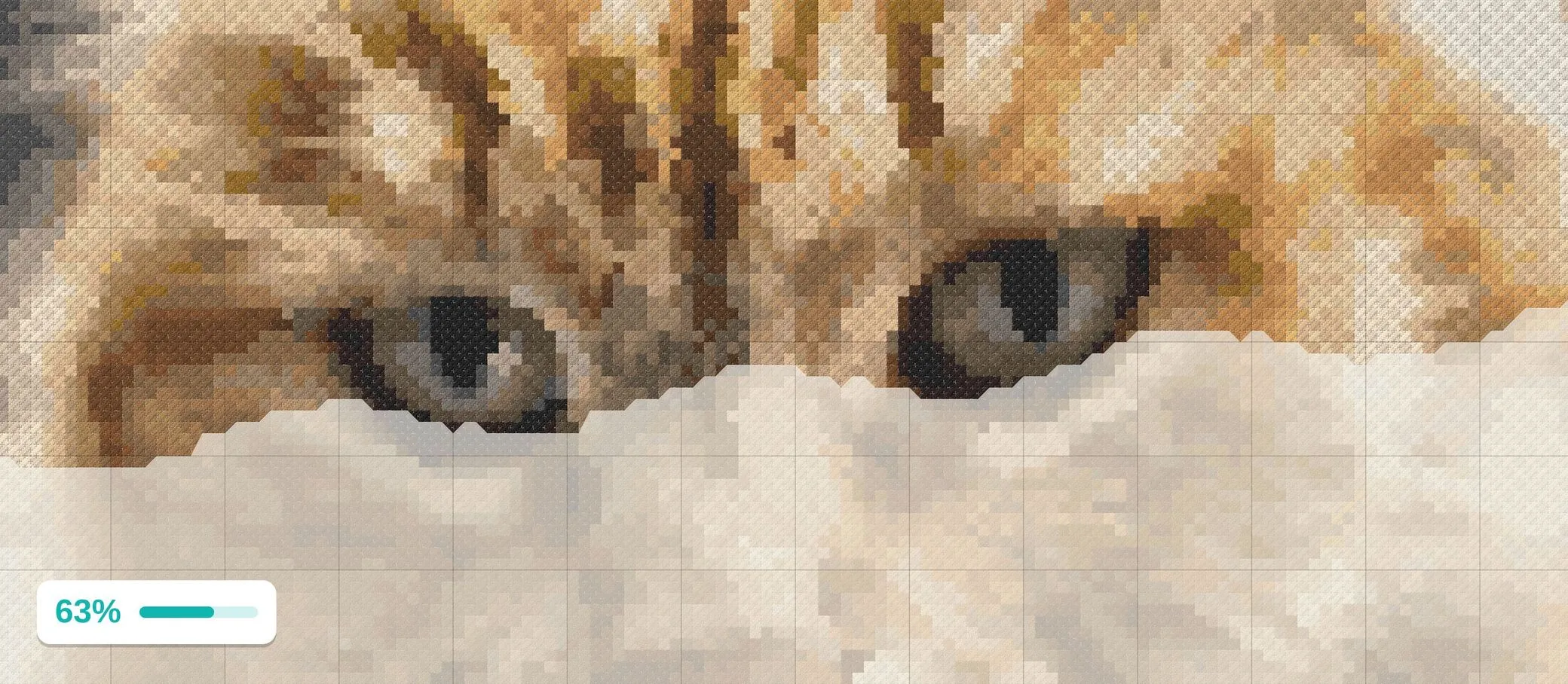
Tracking apps replaced the highlighter for a lot of stitchers, and in 2026 there are more of them than ever. They are not interchangeable. The biggest differences are where your patterns come from, which devices you stitch on, and whether the app tracks the things that trip up the others: backstitch, parked threads, and progress that follows you between devices. Here is an honest comparison, with facts checked against each app’s own help pages in late August 2026. Prices and features change, so check the store page before buying.
The short version
- You buy PDF charts and stitch on Android: Pattern Keeper.
- You buy PDF charts and stitch on iPhone or iPad: Markup R-XP, or Cross Stitch Saga if you want deep parking and marking tools.
- You make your own patterns, convert photos, or remix community charts, on any device: Knytstudio.
- You want a native maker and tracker on Mac or iPad and do not need sync: Stitchly.
- You want a web tracker for imported charts and do not mind a monthly subscription: Xstitchify.
What to compare
Before the apps, the questions that decide it:
Where do your patterns come from? Apps split into two camps. Some parse purchased PDF charts into tappable patterns; that is a hard technical problem and only a few do it well. Others track patterns you make or convert inside the app itself. If your stitching life is a folder of designer PDFs, you need the first kind.
Which devices? Several well-known trackers are single-platform. Pattern Keeper is Android-only. Cross Stitch Saga is iOS-only after leaving Google Play in 2025. Stitchly runs on iOS and Mac. Browser-based trackers run anywhere.
Does your progress follow you? The most requested feature in this category is cross-device sync, and most of the established apps still do not have it. If you stitch on a tablet at home and a phone elsewhere, this matters every day.
Does it track backstitch? Outlines are the last thing you stitch and the first thing apps forget. If your charts have backstitch, the tracker should count it.
Does it support parking? Full-coverage stitchers park threads. The app should remember where each needle is and, ideally, which corner it came up in.
How do you pay? One-time purchases, yearly subscriptions, monthly subscriptions and per-pattern unlocks all exist. Per-platform purchases (buy it again for iPad) are the one people resent most.
Pattern Keeper
The app that defined the category. Pattern Keeper reads purchased PDF charts and turns them into an interactive pattern you can zoom, highlight by color and tap to mark. It records the parked corner, joins multi-page PDFs into one continuous chart, and fills in stitched areas in thread color. It is a one-time purchase on Google Play with a long trial.
The limits are well known. It is Android-only, with iOS “planned” for years. It does not track backstitch, and fractional stitches only arrived as a beta in late 2025. There is no cloud sync; moving progress to another device means exporting a backup file. Updates are infrequent. If none of that touches you, it remains the tool to beat for purchased PDFs on Android.
Markup R-XP
The consensus pick for iPhone and iPad stitchers with purchased PDFs. Markup R-XP tracks every stitch type, including backstitch, and its finishing tools are the best in the group: average stitches per day, a projected finish date, and the daily pace needed to finish by a chosen date. Marking is refined, with a long press to park and options to lock marked stitches.
It is subscription-based, and the switch from a one-time price to a yearly subscription generated a lot of one-star reviews. Cross-device sync is manual. If you stitch purchased PDFs on Apple devices, it is the strongest option.
Cross Stitch Saga
The power-user tracker, built around the parking method. Saga offers views tailored to parking, cross-country and diagonal stitching, deep marking tools (group marking, restricted areas, tool locks), stitch-type isolation and a stats calendar. It is a one-time purchase on iOS.
The trade-offs are a steep learning curve, a stricter set of supported chart formats than Pattern Keeper, and the fact that it left Google Play in 2025, so Android is out.
Stitchly
The best native pattern maker with a tracker built in. Stitchly lets you design or convert a pattern and then mark progress on it in the same app, on iOS and Mac, with a one-time purchase. Because maker and tracker are one product, you can fix a pattern mid-stitch if you spot a mistake, which owners love.
Its tracker only works on Stitchly’s own patterns, there is no cross-device sync (the number-one request in its reviews), and the price is on the high end for the category.
Xstitchify
A web-based maker and tracker with account sync, four ways to display finished stitches, per-thread progress bars and import of common chart formats. It runs on any device.
The catch is pricing: a monthly subscription well above the one-time prices the category is used to, and an offline mode that reviewers describe as fragile.
Knytstudio
Knytstudio is a browser-based pattern maker with a progress tracker built in, so it runs on iPhone, iPad, Android and desktop with nothing to install, and progress syncs through your account automatically. That sync is the feature the rest of the category is still missing.
The tracker itself covers the full checklist. Tap or drag to mark stitches, or mark a whole 10x10 block at once. Filter to one color with the thread number shown in place, and jump to the nearest remaining stitch on confetti charts. Backstitch is tracked line by line and counted in your progress. Parking is supported properly: park a thread on the stitch where the needle comes up next, record the corner, see every parked needle on the chart, and jump back to any of them. There is a lock against stray taps, undo for every gesture, a night theme, a projected finish date with a target pace, and a replay that plays your marking history back as a time-lapse. Marks made offline sync when you reconnect.
The honest limits: Knytstudio tracks patterns in your own library, which means patterns you make in the editor, convert from a photo, remix from the community, or import as OXS files from other pattern software. It does not parse purchased PDF charts, and it does not do fractional stitches. Your first pattern tracks free; after that you unlock patterns individually or go Pro with a small monthly plan, and one account covers every device.
Feature checklist
| Pattern Keeper | Markup R-XP | Cross Stitch Saga | Stitchly | Xstitchify | Knytstudio | |
|---|---|---|---|---|---|---|
| Platforms | Android | iOS, Android | iOS | iOS, Mac | Web | Web (any device) |
| Purchased PDF charts | Yes | Yes | Yes | No | Imports OXS and similar | No (OXS import) |
| Make or convert patterns | No | No | No | Yes | Yes | Yes |
| Backstitch tracking | No | Yes | Yes | Partial | Unclear | Yes |
| Parking with corner | Yes | Yes | Yes | No | No | Yes |
| Cross-device sync | Manual backup | Manual | Manual backup | No | Yes | Yes |
| Finish date forecast | No | Yes | Goals only | No | No | Yes |
| Pricing model | One-time | Yearly subscription | One-time | One-time | Monthly subscription | First pattern free, then per pattern or monthly Pro |
“Partial” and “Unclear” reflect what the apps’ own documentation states as of August 2026; if you rely on a specific feature, confirm it on the store page.
Choosing
If purchased PDFs are your whole stitching life, the choice is made by your device: Pattern Keeper on Android, Markup R-XP or Cross Stitch Saga on iPhone and iPad. If you make, convert or remix your own patterns, or you simply want your progress to follow you between the couch tablet and the commute phone, try the Knytstudio tracker on your first pattern for free and see whether the rhythm fits.
For more on the parking workflow the heavy stitchers use, read the cross stitch parking method, explained.
Frequently asked questions
What is the best cross stitch progress tracker app?
It depends on where your patterns come from and what device you stitch on. Pattern Keeper is the reference for purchased PDF charts on Android. Markup R-XP is the usual pick on iPhone and iPad. Knytstudio is the choice when you make, convert or remix your own patterns and want tracking that syncs across every device, including backstitch and parking.
Is there a Pattern Keeper alternative for iPhone?
Pattern Keeper has never shipped on iOS. On iPhone and iPad the usual alternatives are Markup R-XP and Cross Stitch Saga for purchased PDF charts, and Knytstudio, which runs in the browser on any device, for patterns you make or convert yourself.
Which cross stitch apps track backstitch?
Markup R-XP, Cross Stitch Saga and Knytstudio track backstitch. Pattern Keeper does not, which is the gap its own users mention most often.
Which apps sync progress between devices?
Knytstudio and Xstitchify sync progress through an account automatically. Pattern Keeper, Markup R-XP and Stitchly rely on manual file backups or exports to move progress between devices.