
Track your stitching stitch by stitch, on any device
Mark stitches as you go, follow one color at a time, track backstitch and parked threads, and pick up exactly where you left off - on your phone, tablet, or computer. No printouts, no highlighters, no lost place.
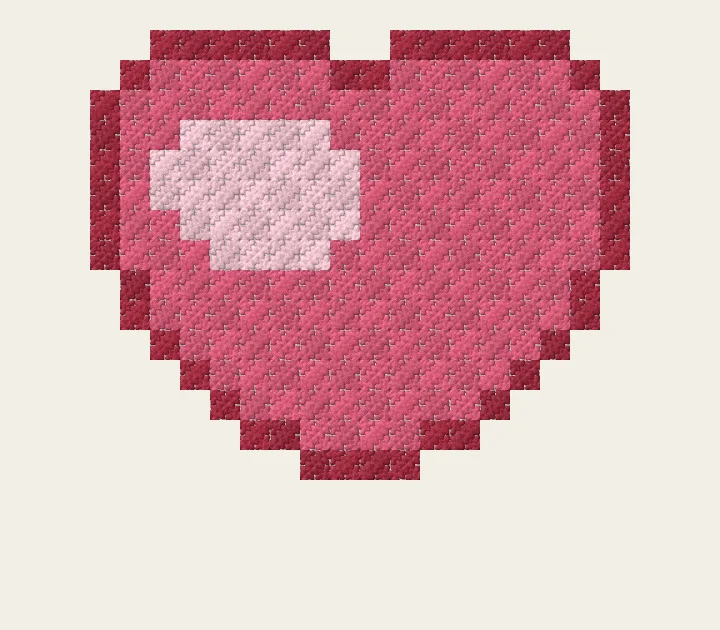
Try it: drag across the stitches to mark them done
Try it - drag across the heart to mark stitches done.
How it works
Bring in a pattern
Turn a photo into a chart, design one from scratch, remix a community pattern from Discover, or import an OXS chart file.
Mark stitches as you sew
Tap or drag to mark stitches done, or mark a whole 10x10 block in one tap. Filter to one thread color, and the tracker celebrates each color you finish and jumps you to the next unstitched spot.
Pick up where you left off
Progress syncs to your account. Put your phone down mid-row, reopen on your tablet next evening, and the chart is exactly as you left it.
See it in under a minute
Marking, backstitch, parking, whole blocks and night mode, in one short silent video with captions. The tutorials page has the full walkthroughs.
Built for real stitching sessions
The screen stays awake
No more unlocking your phone with a needle in your hand - the display stays on while you are tracking.
Stitch color by color
Focus on one thread at a time with per-color progress, and get a small celebration every time a color is fully stitched.
Tracks backstitch
Outlines count too. Tap a backstitch line when it is stitched, or drag along a run, and backstitch shows in your progress and per-color counts.
Parking, done properly
Park a thread at the next stitch of its color and record which corner the needle sits in. Every parked needle shows on the chart, and one tap jumps you back to it.
Confetti-friendly
Scattered single stitches everywhere? One tap pans the chart to the nearest unstitched cell of your color, zoomed for marking.
Mark whole blocks
Finished a 10x10 block? One tap marks every stitch in it. A lock keeps finished stitches safe from stray taps, and Undo covers everything.
Works offline
Stitching somewhere without signal? Keep marking - your marks are queued on the device and sync when you are back online.
Know when you will finish
Session history, your real stitching pace and a projected finish date. Set a target date and the tracker tells you the daily pace to hit it.
Night stitching theme
A dark chart with dimmed colors for the evening couch, with your marks and parked needles still crisp.
Watch it paint itself
Replay your marking history as a time-lapse: the chart fills in gesture by gesture, exactly as you stitched it.
Finish and share
Reach 100% and celebrate - then add a photo of your finished piece to the pattern for other stitchers to see.
A guide on the row you are on
Turn on the Guide: the rest of the chart dims and your row is outlined. Tap its stitches as you go, or Mark row to mark the whole row and move the guide on. Hold Peek to see the finished design without your marks. On knitting charts the rows count from the bottom, the way you knit them.
From your desk to your phone
Tracking on a computer? Scan the QR code the tracker shows and the same pattern opens in the tracker on your phone; sign in there with the same account. The PDF of a saved pattern has the same code on its cover, so a printout leads back to your progress.
Coming from Pattern Keeper?
Pattern Keeper is Android-only and has never tracked backstitch. KnytStudio's tracker runs in the browser on iPhone, iPad, Android and desktop, tracks backstitch and parked threads, and syncs progress between devices - so your place is never stuck on one device. We wrote an honest side-by-side of where each tool fits.
Pattern Keeper vs KnytStudio →Frequently asked questions
Your first pattern tracks free
Make a pattern from a photo or start from scratch, then stitch it with the tracker - free for your first pattern, on every device you own.
Start tracking free